From Draft to Viral Distribution: The All-in-One Creator Workbench
Stop juggling clunky layout websites and design subscriptions. Write in distraction-free Markdown, generate punchy hooks with 100 daily free AI credits, and export pixel-perfect long cards in 1 click.
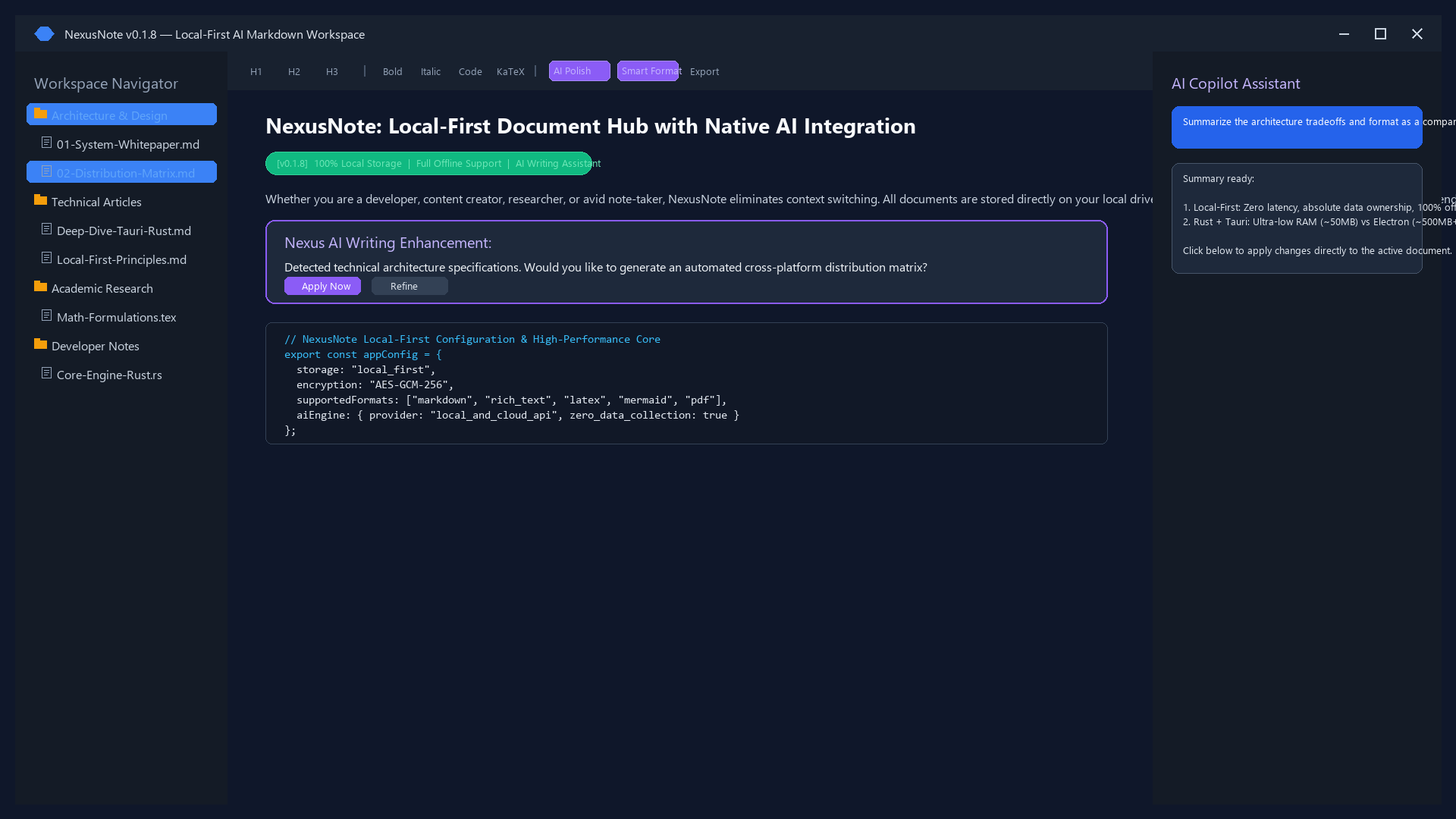
Why Traditional Tools Fall Short in this Workflow
Addressing core workflow bottlenecks with high-performance native solutions:
Formatting text into readable social graphics takes hours of manual adjustments across third-party design apps.
11 designer-crafted presets convert Markdown into publication-grade social cards and long images in 1 second.
Crafting compelling hooks, viral titles, and concise key takeaways is difficult and mentally exhausting.
DeepSeek generates 5 viral title variants, punchy summaries, and newsletter hooks instantly with daily free tokens.
Online editors risk lost drafts, unexpected watermarks, or paid paywalls to export high-resolution assets.
100% local-first text security with zero-watermark 4K crystal-clear card exports completely free.
Copying formatting across multiple blogging platforms leads to broken image links, destroyed margins, and delayed publication launches.
NexusNote renders fully self-contained high-DPI image cards and standardized clipboard payloads, guaranteeing pixel-perfect fidelity across all platforms.
6 Steps to Effortless High-Yield Productivity
Proven production path engineered for streamlined execution:
Fast Markdown Outlining
Type freely in the live Milkdown WYSIWYG editor, focusing purely on insights and story flow. Writers can easily organize creative assets into thematic folders for quick reference during drafting sessions. The unified file explorer keeps illustrations, research notes, and social copy neatly cataloged in one accessible workspace.
DeepSeek Hook & Polish
Trigger AI to craft 3 memorable takeaways, generate 5 click-worthy headlines, and refine cadence.
Select Theme & Live Preview
Choose across 11 bespoke visual themes (Minimalist Mono, Nordic Paper, Cyber Dark) with live visual feedback.
1-Click 4K Export & Publish
Click export to obtain crisp, watermark-free high-resolution PNG long images and cards ready for social feeds.
Cross-Platform Publishing & Content Iteration
Deploy visual cards and rich-text articles directly to WeChat, Xiaohongshu, Substack, and Medium. Maintain historical performance metrics in your vault and leverage AI to iterate on winning formats.
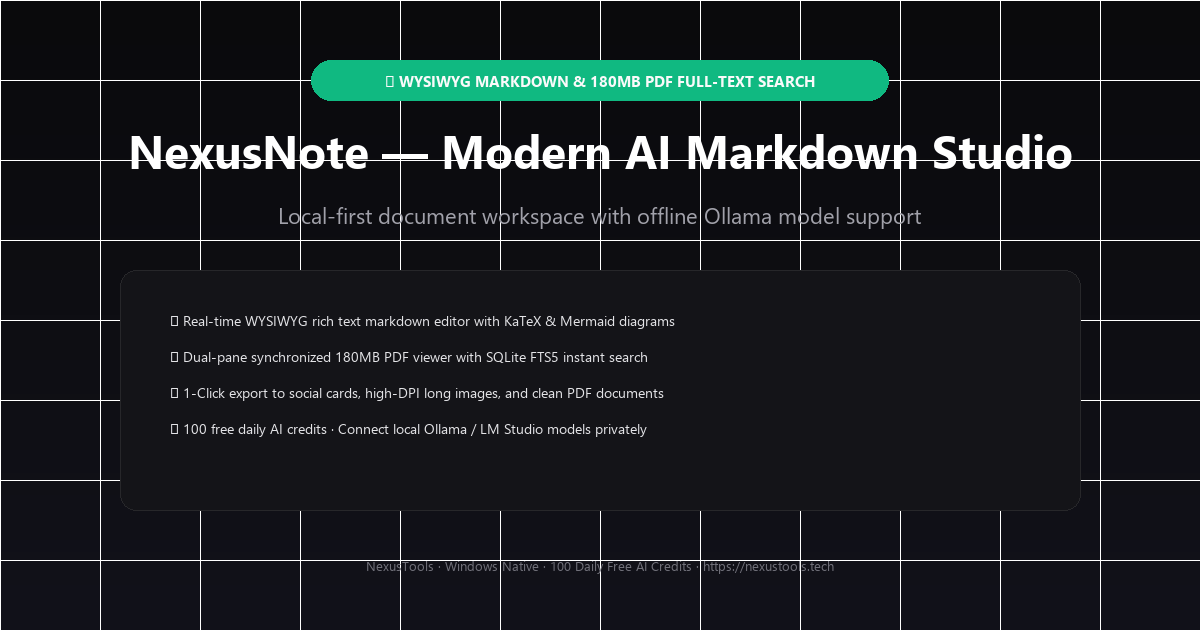
Content Case: Multi-Channel Tech Media Workflow (Script to Newsletter)
A solo technology content creator running a weekly YouTube channel, Bilibili video series, Substack newsletter, and Twitter/X educational threads, requiring rapid multi-format content transmutation.
The Engineering Challenge
Juggling multiple web apps (Notion, Google Docs, ChatGPT, Grammarly) leads to context fragmentation, slow browser memory leaks, and repetitive copy-pasting of images and scripts across incompatible editors.
NexusTools Architecture Solution
NexusNote serves as an all-in-one local production workbench. Core research notes and code snippets are drafted once, then adapted into platform-specific variants (hook-driven video intro, numbered Twitter thread, in-depth technical analysis) via specialized DeepSeek system prompts.
Condensed 6-hour manual rewriting into under 2 hours
100 daily AI credits fully cover ideation, titles, and proofreading
Relative image paths stay valid across all local project folders
Core Production Shortcuts & Workflow Cheat-Sheet
Streamline execution with keyboard-driven commands for instant responsiveness:
| Shortcut / Command | Action Triggered | Workflow Benefit |
|---|---|---|
| Ctrl + Shift + V | Generate 5 high-converting video title & hook variants | Leverages DeepSeek reasoning on target audience psychology |
| Ctrl + Shift + T | Condense long-form post into social media thread | Automatically splits key takeaways with sequential numbering |
| Ctrl + Shift + P | Live split-view responsive layout preview | Verify line breaks and visual rhythm before publishing |
| Ctrl + D | Branch current section into experimental drafts | A/B test different storytelling narratives non-destructively |
Engineered for Performance & Security
Dual-core foundation powered by Rust GPUI and enterprise DeepSeek intelligence:
11 Designer Publishing Themes
Carefully tuned typography, line-heights, and palettes for social long images and bite-sized visual capsules. Meticulously calibrated typography tailored for newsletters, tech blogs, and cross-platform publishing. Switch effortlessly between elegant serif editorials, clean sans-serif layouts, and modern high-contrast designs with pixel-perfect responsive spacing.
100 Daily Free AI Credits for Copywriting
Leverage daily free DeepSeek tokens for punchy hooks, emotional resonance, and high-converting copy polish. Every user receives 100 daily AI credits powering full-spec DeepSeek-V3 reasoning. Generate compelling headline matrices, refine narrative hooks, and adapt copy tone across audiences directly within your active typing flow.
Watermark-Free 4K Ultra-Crisp Export
High-DPI rasterization ensures needle-sharp typography and rich contrast, giving your posts elite visual polish. High-fidelity vector rasterization renders crisp 4K PNG long images with zero compression artifacts or watermark imprints. Ensure your in-depth articles, infographics, and technical cheat sheets look stunning across mobile social feeds and reader galleries.
Local Markdown Knowledge Vault
Archive your content library in standard .md files. Your creator archives stay permanent and platform-proof. Every article draft, content calendar, and idea snippet resides in standard Markdown on local storage. Avoid vendor lock-in or unexpected service shutdowns by synchronizing your evergreen content archive effortlessly with Git or cloud drives.
Production Deployment Checklist & Best Practices
Actionable guidelines to ensure zero data loss, rock-solid consistency, and maximal performance across all operating systems:
Atomic Writes & Crash Recovery
All disk writes leverage transactional temporary files with atomic directory swapping. Even during sudden power failure, your primary manuscript files remain intact without corruption. Granular periodic snapshots allow instant one-click rollback if content is accidentally deleted.
Open Formats & Zero Lock-in
Documents adhere strictly to CommonMark specifications and plain filesystems. Directly commit changes to Git or export to Pandoc without obscure proprietary database schemas. Full GFM support enables seamless pipelines with static site generators like Hugo and Astro.
Air-Gapped Privacy & Cost Control
Combine 100 free daily cloud AI credits with local workstation Ollama models. Process confidential corporate memos or pre-publication novels with zero telemetry and zero ongoing API billing. Local models run entirely in resident VRAM without emitting third-party telemetry.
Cross-Platform Config & Lossless Sync
Export preferences, custom AI prompts, and shortcut layouts to a portable JSON config file. Seamlessly sync between desktop workstations via standard cloud folders or Syncthing with zero proprietary lock-in. Portable standalone binaries ensure instant deployment in bastion and air-gapped environments.
Frequently Asked Questions
Everything you need to know about privacy, performance, and daily workflow:
Side-by-Side Competitor Comparisons
Compare alternative tools on licensing, performance, and offline privacy
Give Every Great Story the Viral Visuals It Deserves
Download NexusNote for Windows free. 11 designer themes for instant card exports, plus 100 daily free AI credits.