Zero Freezes, Zero Waiting: The Millisecond Big-Log Workstation
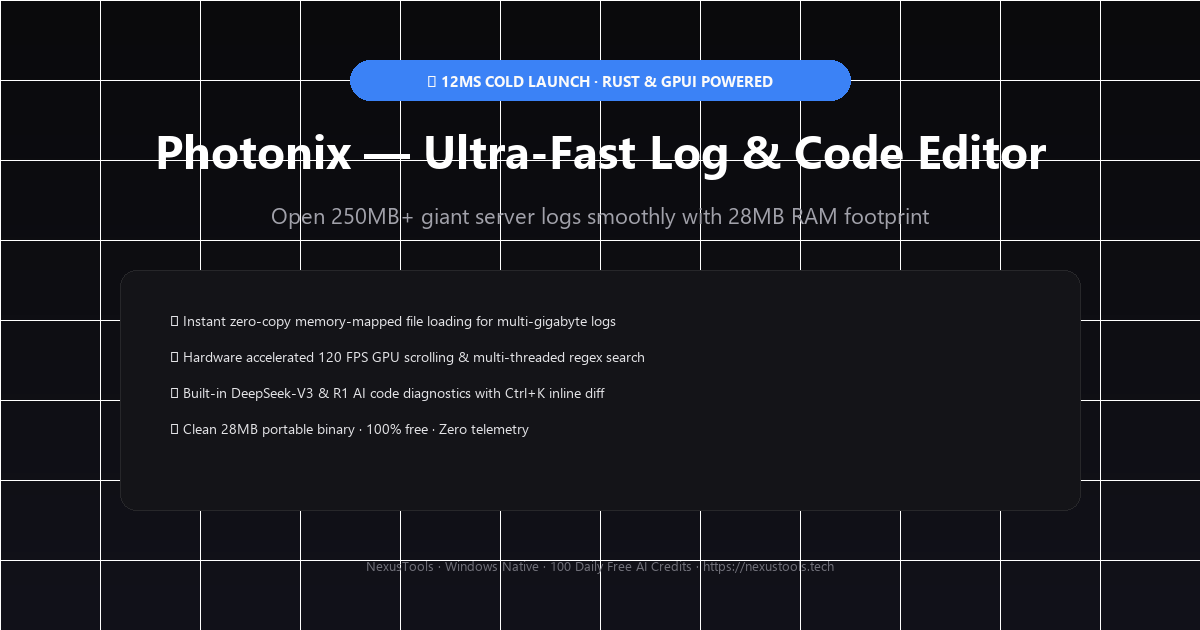
Break free from editors that try to load gigabytes into RAM. Built with pure Rust zero-copy memory mapping and GPU-accelerated GPUI, opening 250MB logs in 12ms with just 28MB RAM and built-in AI diagnostics.
Why Traditional Tools Fall Short in this Workflow
Addressing core workflow bottlenecks with high-performance native solutions:
During a production outage, opening a 300MB server log causes Notepad++ or VS Code to hang indefinitely.
Photonix uses memory mapping (mmap) to stream data on-demand, opening 250MB in 12ms regardless of file size.
Loading multi-hundred-megabyte files explodes RAM consumption to multiple gigabytes, choking the OS.
Idle memory footprint remains pinned at ~28MB, maintaining featherweight stability under all workloads.
Sifting through 100,000+ lines of raw error stack traces manually to locate the root cause is exhausting.
DeepSeek analyzes highlighted stack traces instantly, pinpointing the root bug and suggesting fixes using daily free tokens.
Locating needle-in-a-haystack exceptions across multi-gigabyte log dumps using legacy editors takes minutes of unresponsive searching without intelligent diagnostic assistance.
Photonix leverages multi-threaded Rust regex pipelines to filter millions of lines in milliseconds, paired with one-click AI root-cause stacktrace analysis.
6 Steps to Effortless High-Yield Productivity
Proven production path engineered for streamlined execution:
Drop Giant File & Open in 12ms
Drop a 250MB server dump or multi-gigabyte text file into Photonix; the viewport renders instantly in 12ms.
GPU-Accelerated 144Hz Smooth Scrolling
Glide through millions of lines on 120Hz/240Hz monitors with zero tearing, powered by modern GPU pipelines.
Sub-Millisecond Regex Filtering
Hit Ctrl+F to match ERROR patterns, trace IDs, and regex filters across gigabytes in milliseconds.
1-Click DeepSeek AI Root Cause Diagnosis
Select the stack trace and invoke DeepSeek to explain root causes and recommend exact configuration or code patches.
Extract Incident Slices & Generate Post-Mortem Reports
Extract filtered anomaly traces and incident timelines into compact Markdown summaries. Export clean diagnostic bundles with AI-generated incident post-mortems ready for Jira or team retrospectives.
Engineering Benchmark: 12.8GB Microservice Crash Log Forensics on Windows 11
A DevOps site reliability engineer triaging a production outage caused by cascading timeout failures across 8 Kubernetes microservice pods, analyzing an uncompressed 12.8GB aggregated log dump on a Windows 11 workstation.
The Engineering Challenge
Traditional editors (Notepad++, VS Code, Sublime Text) either crash immediately with "Out of Memory" errors or freeze the entire operating system for 5-10 minutes while attempting to buffer the multi-gigabyte file into RAM.
NexusTools Architecture Solution
Photonix leverages zero-copy memory mapping (mmap) combined with a custom 64-bit sparse indexer and Rust GPUI virtualized rendering. Only the lines currently visible in the 4K viewport are decoded into memory, ensuring rock-solid stability and near-instantaneous file seeking.
Instantaneous mmap mapping with zero disk swapping or memory thrashing
Constant low memory footprint regardless of file size (100MB to 20GB+)
Multi-threaded AVX2 search engine navigates gigabytes without UI lag
Core Production Shortcuts & Workflow Cheat-Sheet
Streamline execution with keyboard-driven commands for instant responsiveness:
| Shortcut / Command | Action Triggered | Workflow Benefit |
|---|---|---|
| Ctrl + G | Instant jump to line number (e.g. Line 25,000,000) | Binary sparse index seeks exact byte offset in <1ms without full file scan |
| Ctrl + F | Multi-threaded SIMD accelerated regex search | Searches multi-gigabyte files at near-bus speed with zero UI stutter |
| Ctrl + Shift + L | Filter and isolate lines matching ERROR / FATAL | Extracts critical diagnostic slice into standalone investigation view |
| Ctrl + Shift + C | High-throughput stream copy selected block to clipboard | Safely copies up to 100,000 lines without freezing clipboard daemon |
Engineered for Performance & Security
Dual-core foundation powered by Rust GPUI and enterprise DeepSeek intelligence:
12ms Instant Load for 250MB Logs
Zero-copy memory mapping streams visible blocks on-demand, immune to gigabyte file sizes. Employing 64-bit memory-mapped file I/O and chunked lazy pagination, Photonix bypasses the memory limits of traditional editors. Open multi-gigabyte server logs or database dumps in milliseconds with butter-smooth scrolling and zero interface freezing.
Tiny 28MB Idle Memory Footprint
Free of Electron and Node runtime overhead. Written in optimized native Rust to preserve your system RAM. Bypassing the multi-process bloat of heavy Chromium runtimes, Photonix is crafted in Rust with direct GPUI bindings. Idling at just 28MB of RAM, it delivers exceptional responsiveness on modest laptops as well as high-core server workstations.
GPU-Accelerated GPUI Rendering Engine
Leverages GPU shaders for sub-pixel glyph rendering, ensuring tear-free scrolling on high-Hz displays. Harnessing Direct3D and DirectWrite hardware pipelines, the editor sustains 120 FPS text rendering. Even with exceptionally long single-line records or complex syntax coloring, frame drops and UI stutter are completely eliminated.
100 daily AI credits for AI Troubleshooting
No login required. Decode cryptic runtime exceptions and isolate offending line numbers within seconds.
Production Deployment Checklist & Best Practices
Actionable guidelines to ensure zero data loss, rock-solid consistency, and maximal performance across all operating systems:
Atomic Writes & Crash Recovery
All disk writes leverage transactional temporary files with atomic directory swapping. Even during sudden power failure, your primary manuscript files remain intact without corruption. Granular periodic snapshots allow instant one-click rollback if content is accidentally deleted.
Open Formats & Zero Lock-in
Documents adhere strictly to CommonMark specifications and plain filesystems. Directly commit changes to Git or export to Pandoc without obscure proprietary database schemas. Full GFM support enables seamless pipelines with static site generators like Hugo and Astro.
Air-Gapped Privacy & Cost Control
Combine 100 free daily cloud AI credits with local workstation Ollama models. Process confidential corporate memos or pre-publication novels with zero telemetry and zero ongoing API billing. Local models run entirely in resident VRAM without emitting third-party telemetry.
Cross-Platform Config & Lossless Sync
Export preferences, custom AI prompts, and shortcut layouts to a portable JSON config file. Seamlessly sync between desktop workstations via standard cloud folders or Syncthing with zero proprietary lock-in. Portable standalone binaries ensure instant deployment in bastion and air-gapped environments.
Frequently Asked Questions
Everything you need to know about privacy, performance, and daily workflow:
Side-by-Side Competitor Comparisons
Compare alternative tools on licensing, performance, and offline privacy
Experience Instant 12ms Big-File Speed Today
Download Photonix for Windows free. 28MB RAM, GPU acceleration, opening 250MB in 12ms with 100 daily free AI credits.