Instant Full-Text Search in 180MB PDF Manuals with Local FTS5 Indexing
Learn how NexusNote utilizes embedded SQLite FTS5 full-text indexing and dual-pane synchronization to search giant manuals in 38ms.
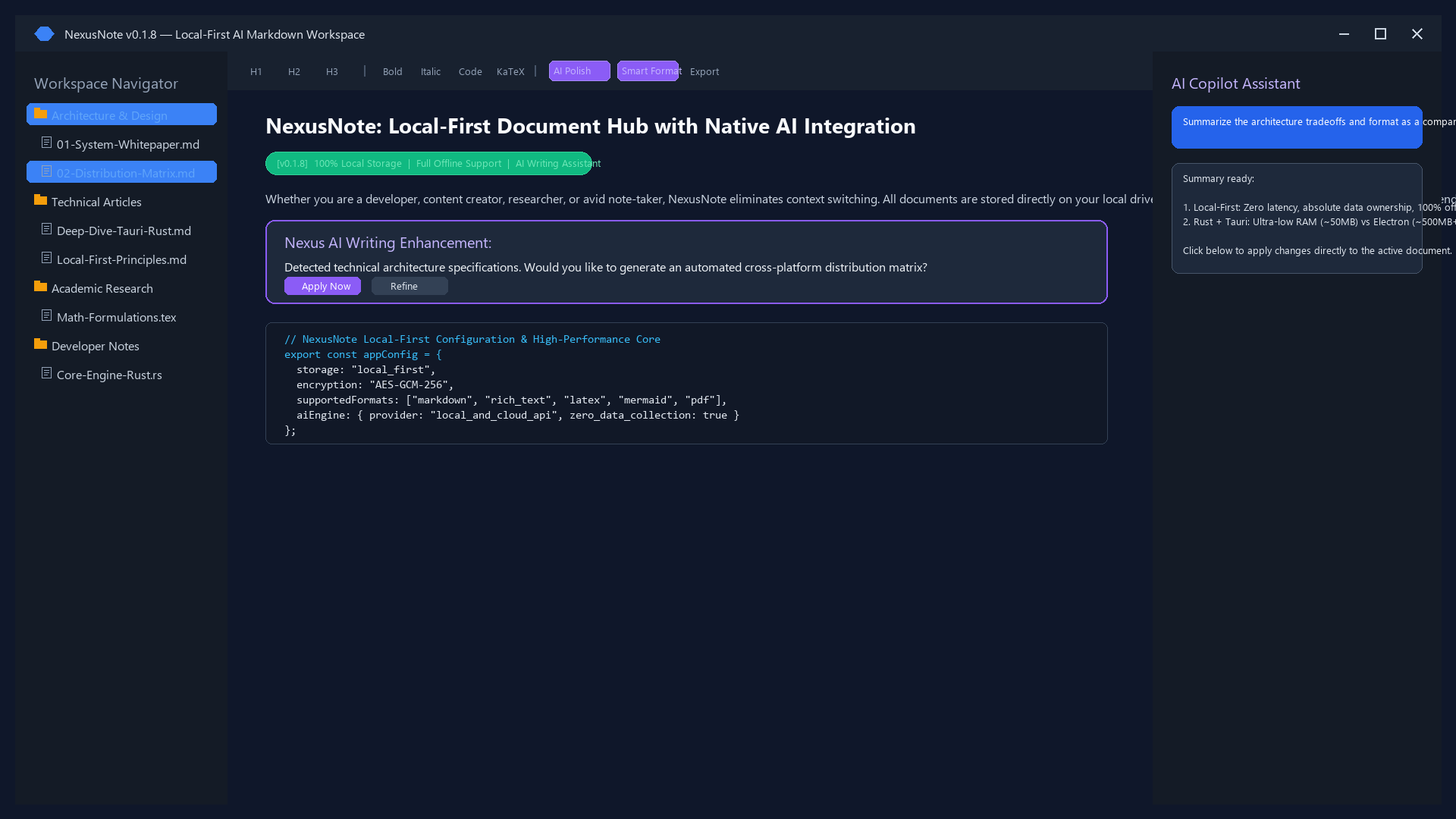
Key Takeaways
- Understand why standard Acrobat and browser PDF searches freeze on 1,000+ page documents.
- How SQLite FTS5 inverted index yields sub-50ms query latencies across hundreds of pages.
- Synchronized dual-pane view: write Markdown notes on the left while referencing PDF matches on the right.
1. The Bottleneck of Linear PDF Scanning
Standard PDF readers do not maintain an inverted search index. Every time you press Ctrl+F, the program sequentially decodes compressed font streams, resolves text matrix coordinates, and matches strings page by page.
In a 180MB datasheet with 1,500 pages, a single linear search takes 12 to 35 seconds, maxing out CPU cores and making cross-reference research painfully slow.
NexusNote extracts the text stream during initial file opening in the background, writing tokenized stems into an embedded SQLite database with FTS5 virtual tables. Subsequent queries complete in an astonishing 38ms.
2. Building the Index: Tokenizers, Stems and CJK Bigrams
FTS5 is not a magic search box; the tokenizer decides what "matching" means. The default `unicode61` tokenizer splits on whitespace and punctuation, which works for English but treats a Chinese sentence as one long token. NexusNote therefore ships a CJK-aware tokenizer that indexes unigrams and bigrams, so a query like "连接池" can match text that contains "数据库连接池耗尽" without requiring word segmentation at query time.
Stemming improves recall for English ("running" matches "run") but can hurt precision for code identifiers and product names. Keep a separate exact-match column or use prefix queries when you need identifiers such as `FTS5` or `pgx_v4` to match literally. Indexing is a trade-off between recall, precision, and index size; decide which one your workflow depends on before tuning.
The first index build is the expensive part. A 1,500-page, 180MB PDF may take tens of seconds to extract and tokenise on first open. Do it once, in the background, and persist the SQLite database next to the document vault. Subsequent opens reuse the index and queries return in tens of milliseconds. If the source PDF changes, invalidate only that document's rows instead of rebuilding the whole vault.
3. The Dual-Pane Research Loop: Notes, Sources and Citations
The value of dual-pane search is not seeing two panes; it is closing the loop between reading and writing. Put the research note on the left and the PDF result list on the right. When a query returns a hit, jump to the page, copy the exact sentence into the note with a page anchor, and tag it with the claim it supports. This produces citations as a by-product of reading instead of a separate cleanup task.
Keep a stable citation key per source (author-year or a short slug) and use it consistently across notes. When you later ask an AI model to synthesise the section, include the keys and the quoted sentences, not just a vague summary. The model can then draft prose that maps back to real sources, and you can verify each sentence against the anchored page.
Separate "source notes" from "argument notes". Source notes live next to the PDF and record what the document says. Argument notes live in the manuscript and record what you claim. Mixing them produces documents that read like annotated bibliographies. The dual-pane loop is fast precisely because each pane has a different job.
4. Keeping the Index Healthy Across Thousands of Files
Index maintenance is mostly garbage collection. Deleted notes leave rows behind unless you vacuum or explicitly delete by document id. Renamed files create duplicate entries if the index is keyed by path instead of a stable document id. Use an id that survives renames (a UUID in front-matter or a file-system id) and reconcile paths at read time.
Watch the index size relative to the vault. A healthy FTS5 index is usually 10–30% of the extracted text volume, not of the PDF byte size; scanned image PDFs contribute almost nothing until OCR is applied. If the database grows far beyond that, suspect duplicate indexing or a tokenizer that indexes full pages twice.
Schedule a monthly verification: run a query you know must return exactly one hit, confirm the hit count, and spot-check a renamed file. Keep the SQLite file inside your backup set. If the index is corrupted, the vault is still plain files; deleting the index and rebuilding is safe, which is exactly why local-first search is more resilient than a cloud index you cannot inspect.
5. A Citation-First Reading Template
For every source that survives triage, create a note with five fixed fields: full citation, one-sentence claim, verbatim quote with page anchor, relevance to your argument, and confidence level. The fixed fields make notes comparable across hundreds of sources and force you to record the page number while the PDF is still open.
When you draft a section, start from the notes rather than from a blank page. Group notes by claim, discard duplicates, and write the argument in your own words with the citation keys inline. The draft then has traceable evidence from the first sentence, and the final integrity pass becomes verification rather than archaeology.
Keep the template in the vault so it is one click away. A template that lives in a separate app or a browser bookmark will not be used at 2 a.m. when you are tired. The best citation system is the one that is physically adjacent to the PDF you are reading.
6. Backing Up and Restoring the Vault
Back up the documents and the index separately. The documents are irreplaceable; the index is a cache that can be rebuilt. Put the Markdown and PDF files in version control or a synced backup, and let the SQLite index be regenerated on a new machine. Restoring a vault should therefore be two steps: copy the files, then reopen the folder and wait for indexing.
Test the restore at least once. A backup that has never been restored is a hypothesis, not a backup. On the test machine, open the copied folder, run the one-hit query from the verification checklist, and confirm the result matches. If it does not, the problem is in the files or the tokenizer configuration, not in the backup medium.
Explore the full production solution architecture
Frequently Asked Questions
Does SQLite FTS5 support Chinese and multilingual stemming?
Yes. NexusNote embeds a custom Unicode61 and CJK unigram/bigram tokenizer, allowing pinpoint phrase searches across English, Chinese, Japanese, and mixed code identifiers.
Does the PDF search work with scanned documents?
Only after OCR. A scanned PDF contains page images, not a text layer, so there is nothing for FTS5 to index. Run OCR first (for example with Tesseract), then import the searchable PDF or its extracted text. NexusNote will index the resulting text layer like any other document.
Where is the search index stored, and can I move it?
The index lives in a local SQLite database inside the vault's metadata folder, next to your documents. You can move the whole vault, including the index, to another drive. If you move only the documents, delete the index and let NexusNote rebuild it; the source files remain untouched.
Continue Reading
Experience Extreme Performance with NexusNote
Local-first native architecture, 12ms cold load, 100 free daily AI credits, and zero telemetry.